UX CASE STUDY · PERSONAL CONCEPT PROJECT · 2021
IntelliFly
One place to plan a better fly-fishing trip.
Turning fragmented weather, river, access and permit information into a more coherent planning experience for fly-fishing enthusiasts.
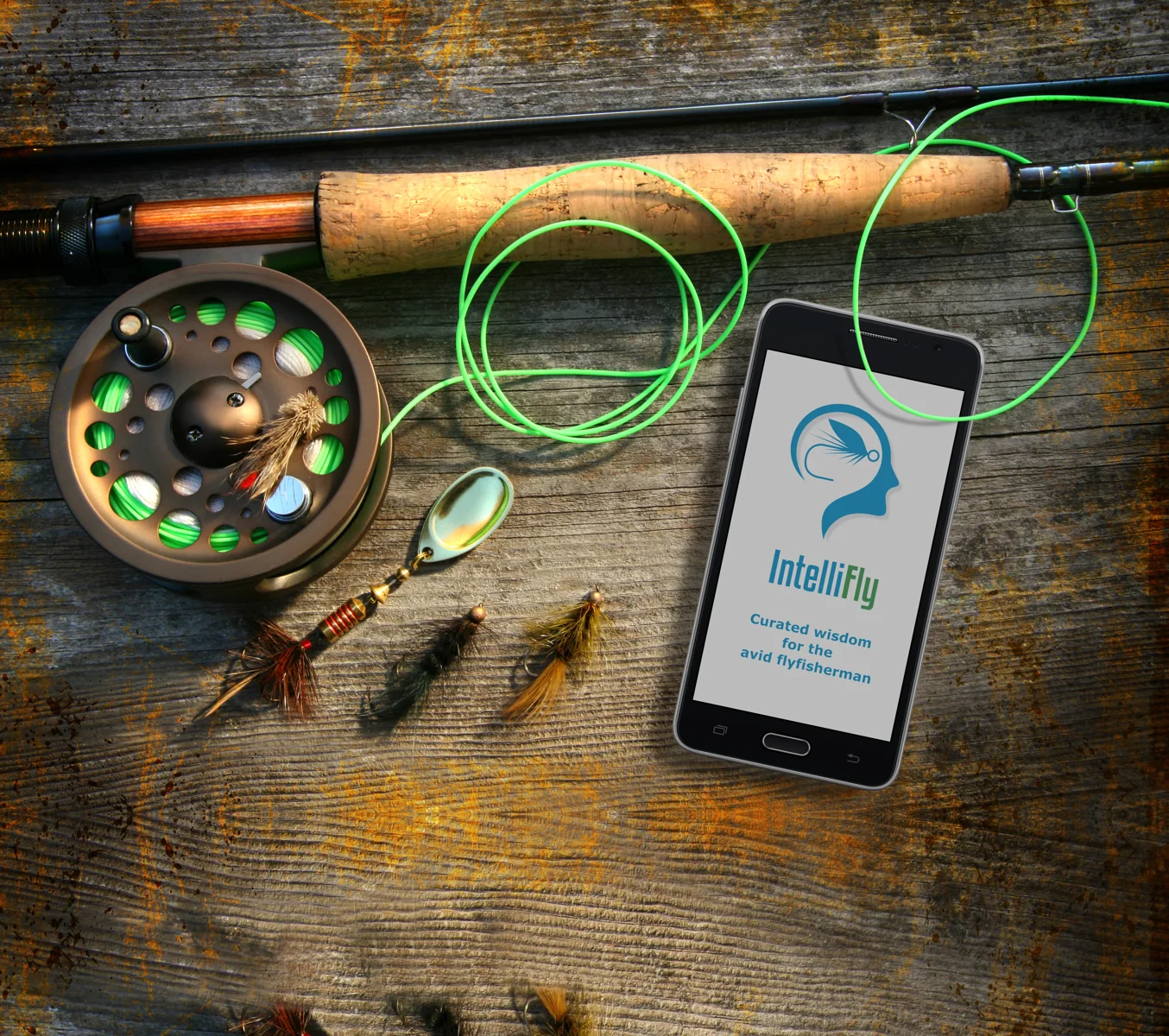
Great days on the water start with better information.
Fly fishers planning an outing may need to consult separate sources for forecasts, river conditions, maps, local rules, access points and accommodation. In the project’s problem statement, a representative user, Henrik, is frustrated by the effort required to gather dependable information.
How might we make essential trip-planning information easier to find, understand and act on—in one experience?
Reduce switching between scattered sources.
Support decisions about conditions, locations and access.
Help anglers plan gear, permits and logistics.
From a broad idea to a focused product opportunity.
I framed the challenge using user-centered design and Double Diamond methods, then documented scenarios and user stories around practical planning needs: weather, river conditions, local fishing regulations, parking, seasonal insects and places to stay.
Competitive review
Useful features existed, but the experience was fragmented.
I reviewed Fishing Spots and Fishbrain, including their mapping, conditions, community features and UX patterns. The research suggested an opportunity to explore a consolidated experience for European fly fishers, rather than duplicating a general-purpose fishing social network.
What the research translated into
Conditions at a glance — current and forecast weather, water levels and river information.
Know before you go — permits, regulations and seasonal information.
Navigate with confidence — maps, access points and parking.
Plan the whole trip — lodging and equipment-related information.
Making complex planning tasks feel simple.
Functional requirements and user stories helped define the information architecture and key app areas, including onboarding, navigation, maps, weather, planning and search. I developed concepts through sketches and prototypes, using Figma and Adobe design tools.
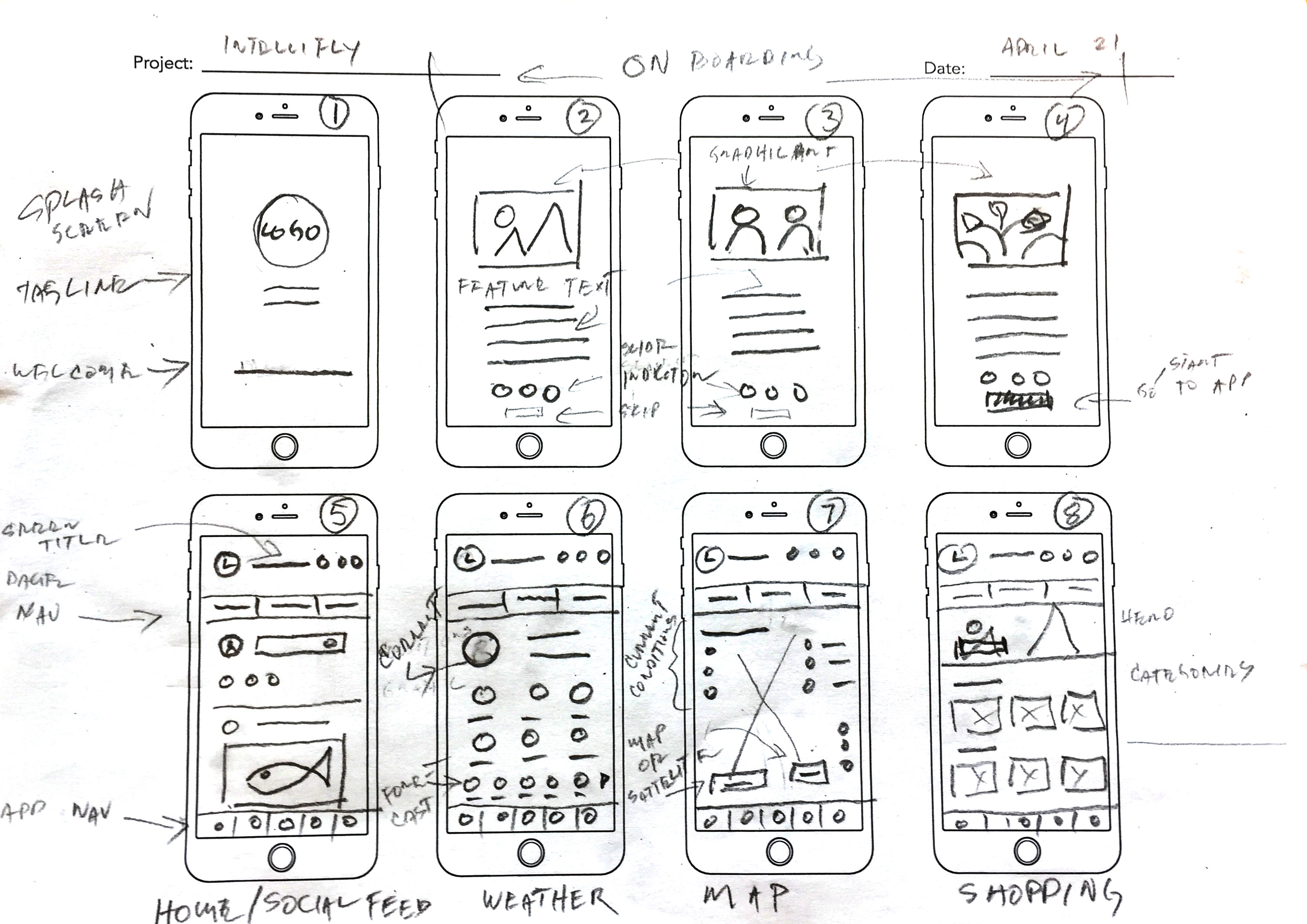
The original work also includes a business requirements document, competitor analysis, UX process exercises and a visual style guide. These informed the concept; they are not presented here as evidence of a launched product.
User feedback changed the design.
I ran moderated remote usability sessions using Figma prototypes and Zoom. The documented study reports feedback from five participants and identifies specific issues to address.
Make onboarding optional
Two of five participants strongly disliked being required to view onboarding screens. Design response: add an early skip option.
Clarify the scope of search
Three of five found search beside settings confusing. Design response: move search into the relevant page content.
Make maps more actionable
Participants wanted richer fishing-zone information and clearer parking and river access points. Design response: clickable zone details and map markers.
Separate weather-layout preference test
Preferred Version B · 11 responses
Clearer information won.
Version B presented six larger current-condition data points with icons, rather than emphasizing an extended multi-day forecast. Nine of eleven respondents preferred it, citing clarity, legibility and less clutter.
This was a preference test, not a measured improvement in task success or a production conversion metric.
The final interface, from welcome to the water.
These eight high-fidelity screens show the finished IntelliFly concept in the intended sequence—from onboarding and home navigation to weather, maps, regulations, shopping and insect information.
Select any screen to view it at full size.

Brand-led opening experience.
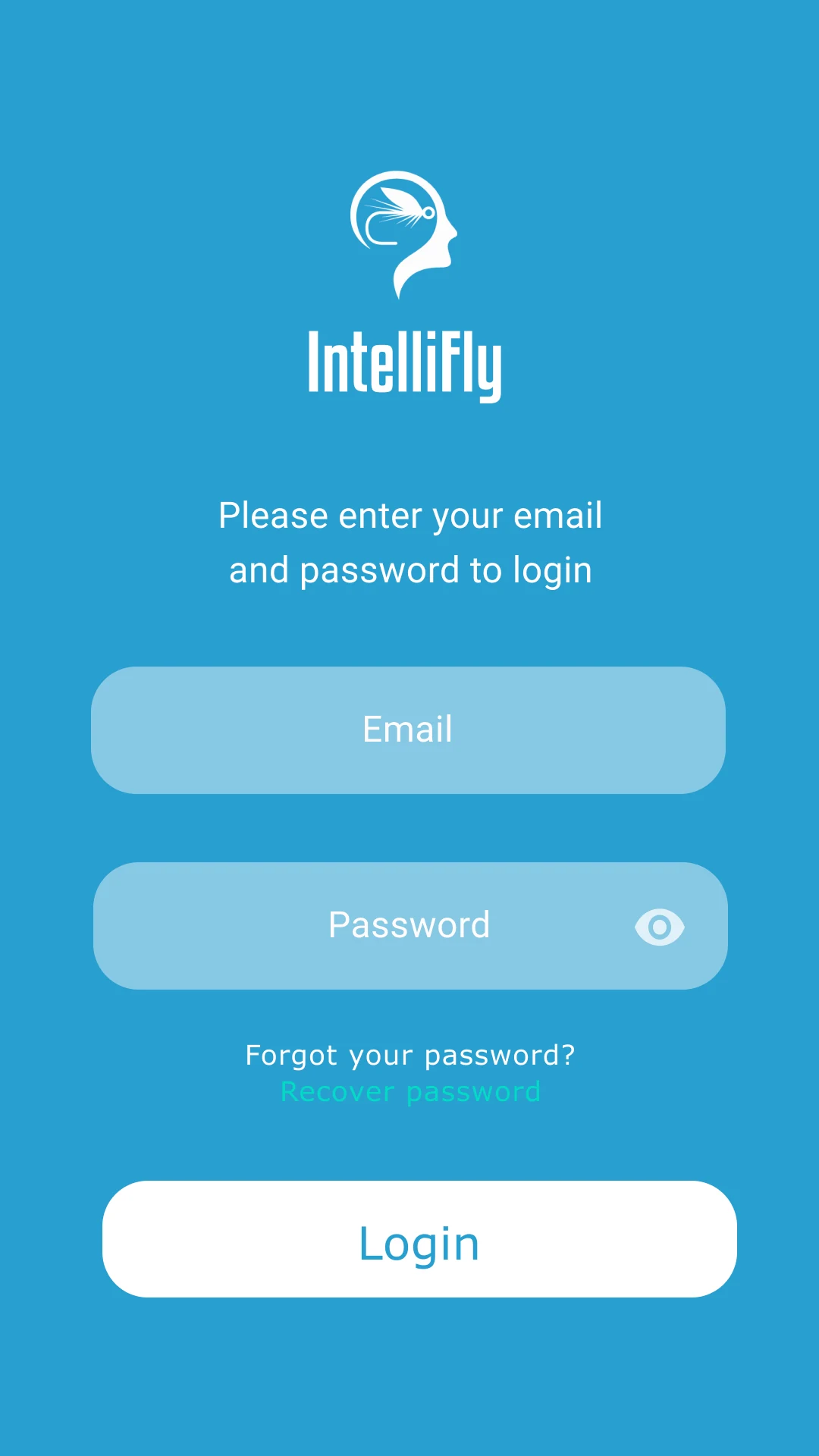
Simple, focused account access.
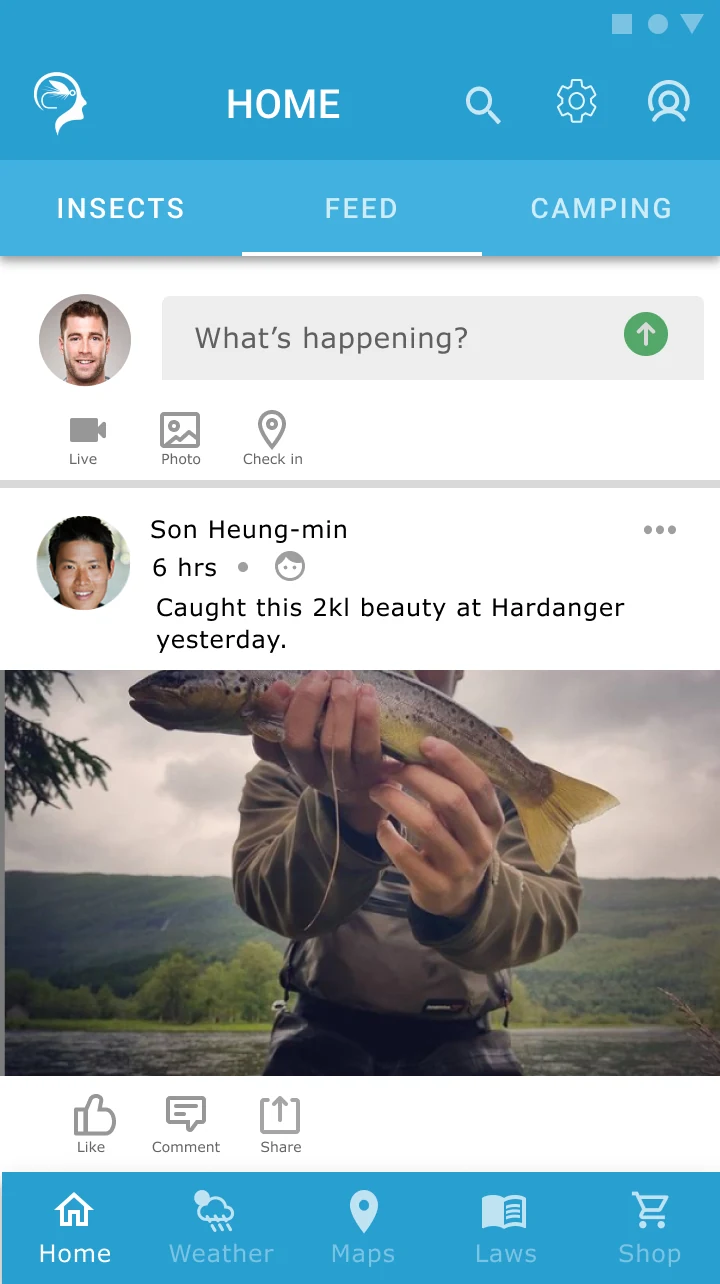
A central place for navigation and community activity.
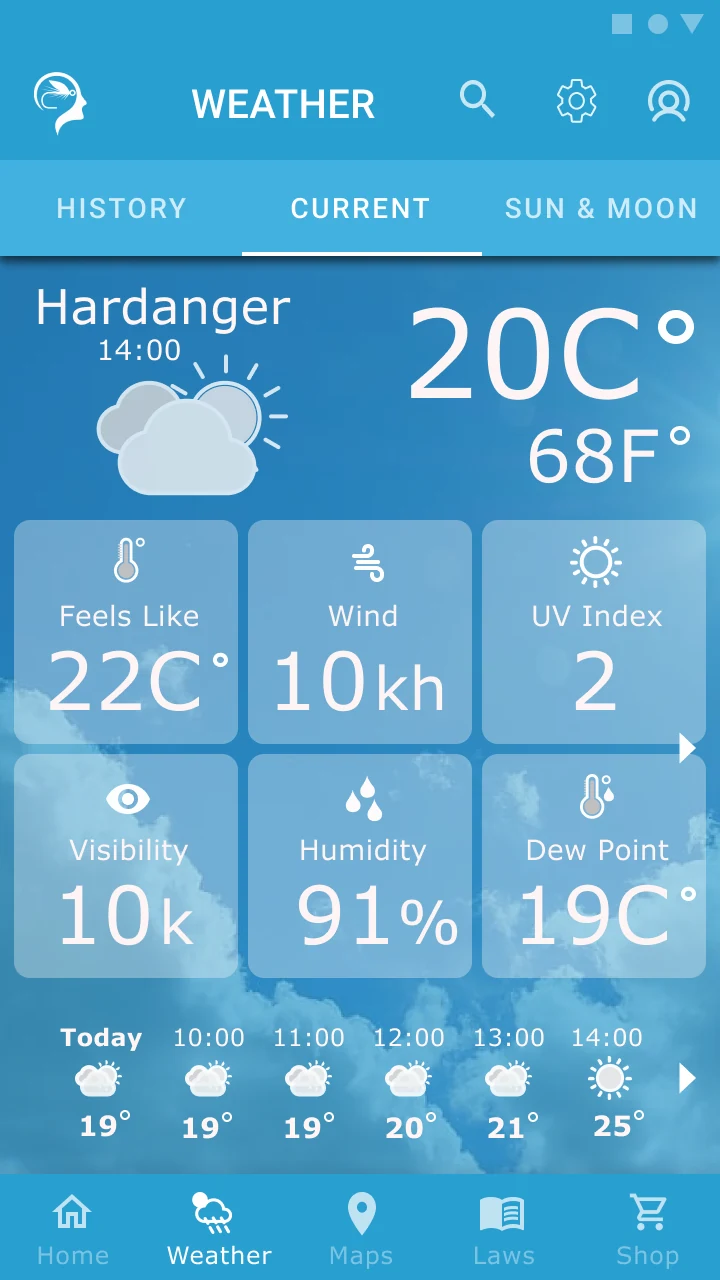
Current conditions and hourly forecasts at a glance.
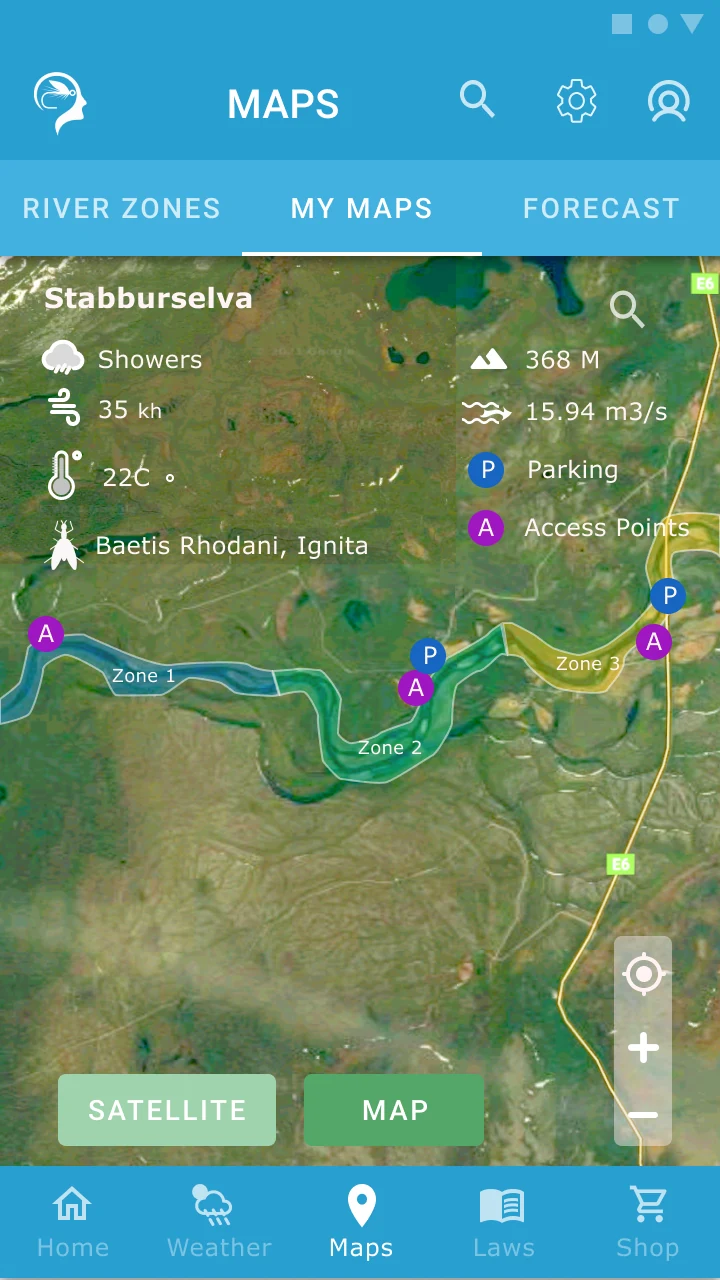
Fishing zones, parking and river access points on a single map.
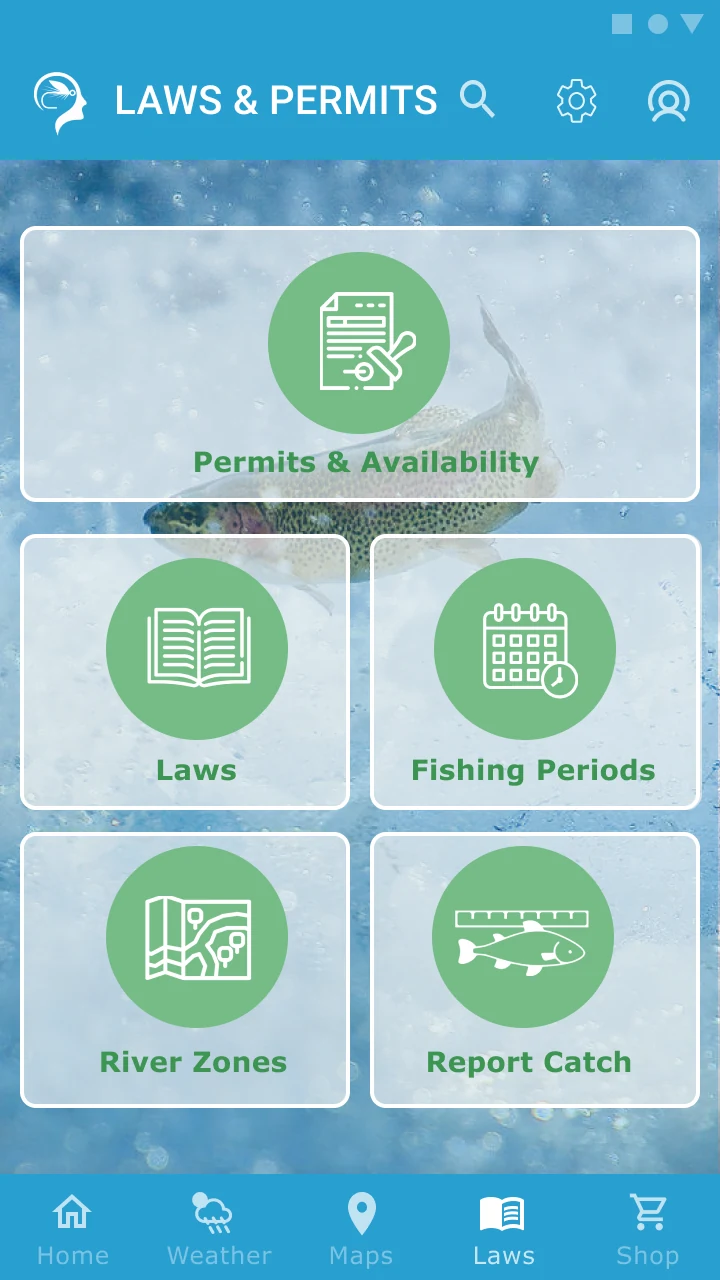
A clear entry point to permits, rules and fishing periods.
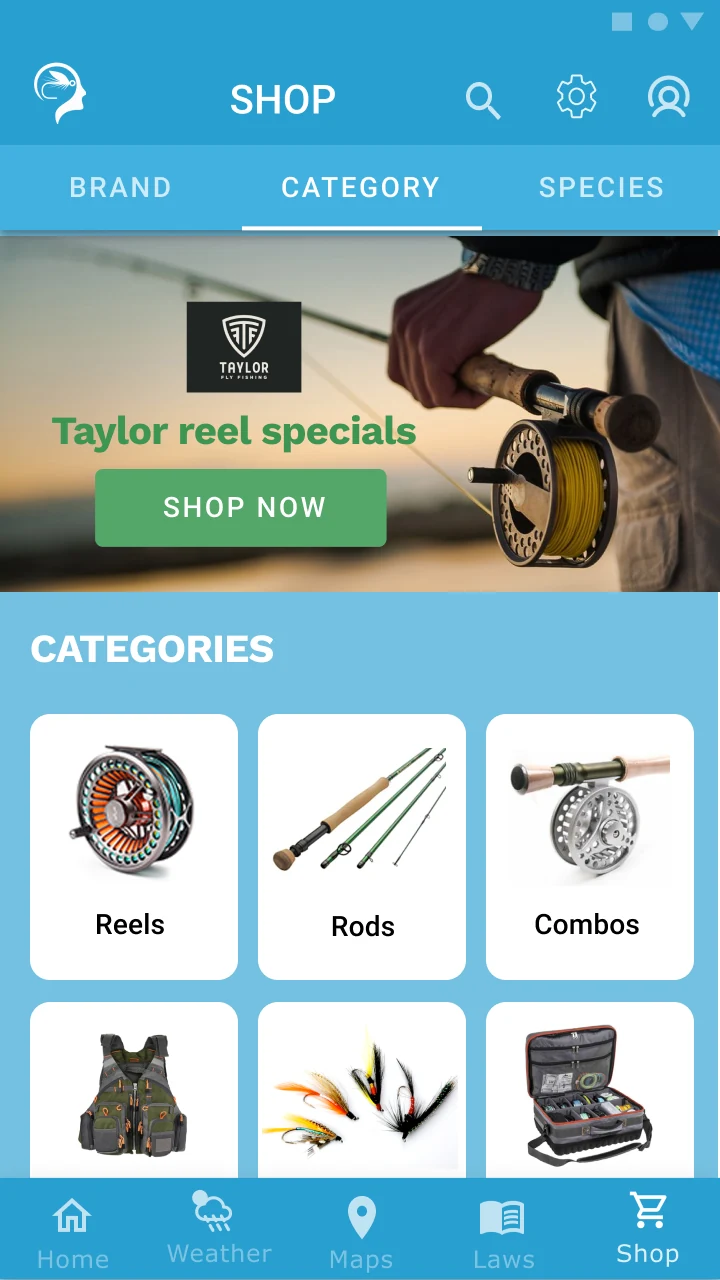
Browse equipment by category.
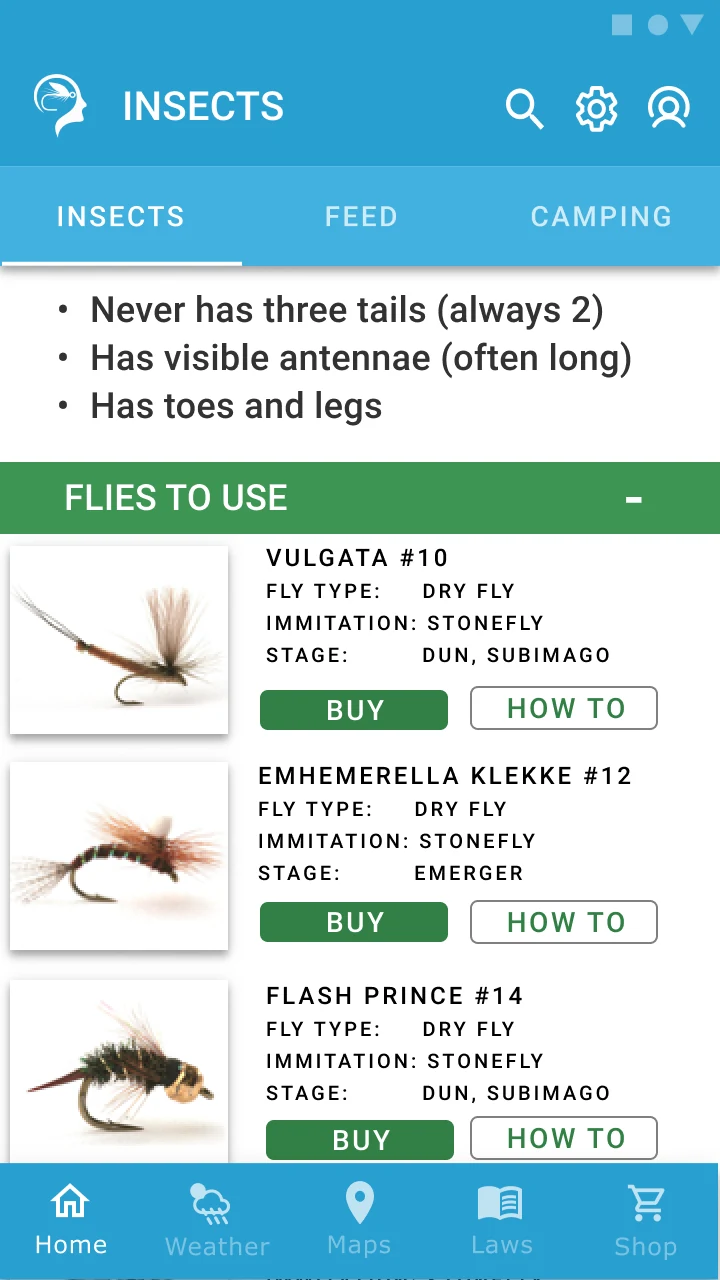
Connect insect information with relevant fly patterns.
See the original high-fidelity design file.
Design assumptions are hypotheses—not answers.
The clearest lesson came from testing. A change inspired by one participant’s feedback was not preferred by most people in the subsequent comparison. That reinforced the importance of checking individual observations against broader evidence.
The case demonstrates my ability to frame a product problem, translate user needs into requirements, explore interface solutions and iterate on documented feedback.
IntelliFly was a personal UX certification project and prototype, not a publicly launched app. The source materials document research, concept development, usability findings and design revisions; they do not establish post-launch adoption or commercial impact.